What is it?
Text to music turns written ideas into original tracks. Ksumiyo makes that process more controllable by pairing prompts with Instrument DNA.
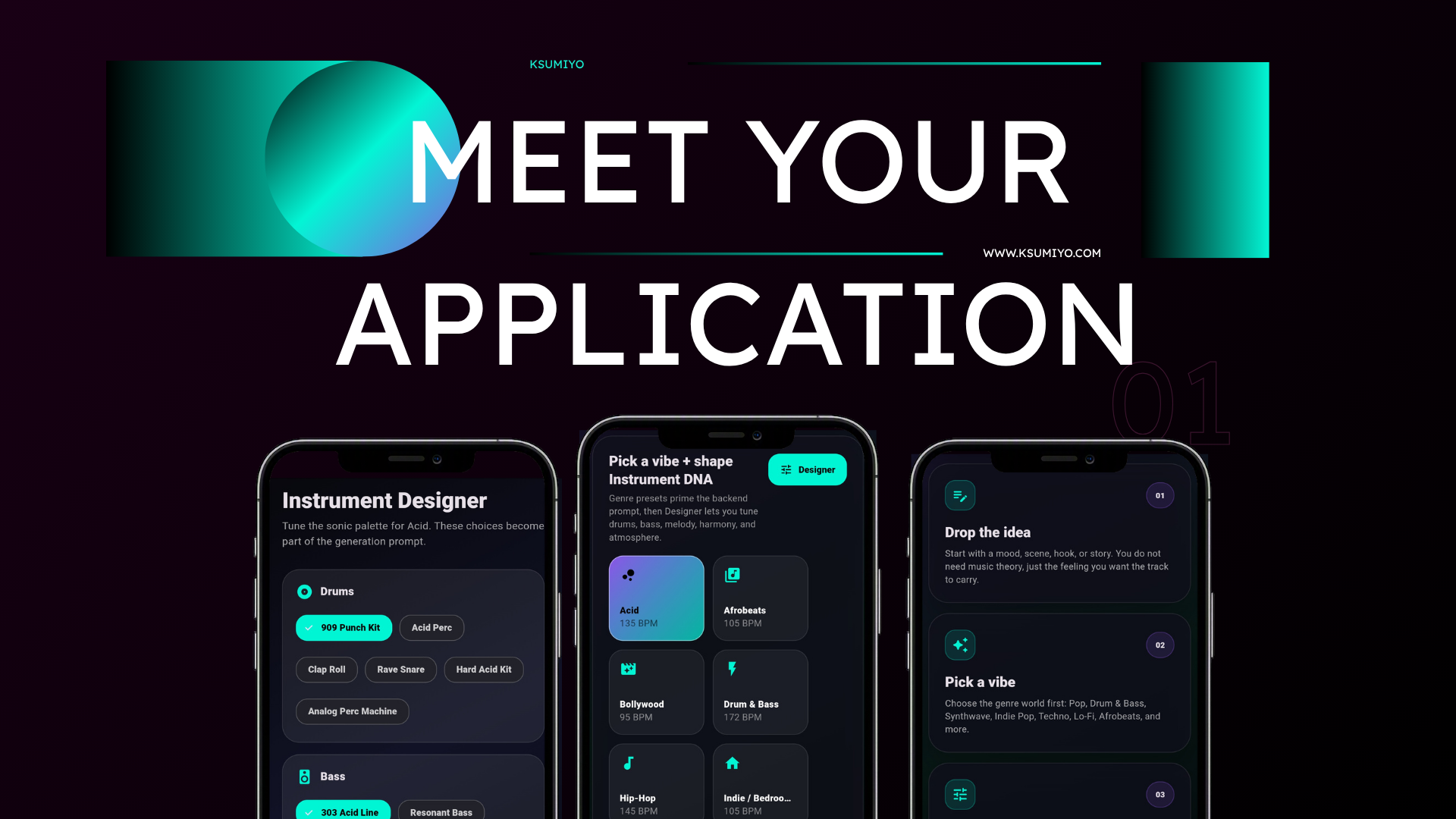
Text to music
Text to music turns written ideas into original tracks. Ksumiyo makes that process more controllable by pairing prompts with Instrument DNA.
Write the idea in plain language, then choose the musical direction before AI starts composing.
Built for
Creative control
Quick answers
Text to music turns written ideas into original tracks. Ksumiyo makes that process more controllable by pairing prompts with Instrument DNA.
Prompts into background music Scenes into cinematic cues Ksumiyo is built for creators, teams, and beginners who want original music without opening a traditional production setup.
Write a phrase, story, lyric idea, or scene. Pick the vibe that matches the mood. Shape drums, bass, melody, harmony, and atmosphere. Generate the finished track.
Prompts into background music Scenes into cinematic cues Lyrics into song direction Story ideas into soundtrack drafts
Ksumiyo currently includes free generation limits so visitors can try the studio, test ideas, and learn the workflow before account features expand.
Ksumiyo is designed for royalty-free creator and commercial workflows, subject to the Terms and Music Rules. Keep your Track DNA for your own records.
Write the idea in plain language, then choose the musical direction before AI starts composing.
Workflow
Write a phrase, story, lyric idea, or scene.
Pick the vibe that matches the mood.
Shape drums, bass, melody, harmony, and atmosphere.
Generate the finished track.
Why Ksumiyo
Many AI music tools ask you to write a perfect prompt. Ksumiyo gives you the prompt plus a control layer, so you can guide the producer before the track exists.
Prompt optional
Genre-first workflow
Instrument DNA
Remixable settings
FAQ
Text to music means generating music from written prompts, such as a mood, story, genre, scene, or lyric idea.
Yes. In Ksumiyo, the prompt can be skipped. You can start with a vibe and Designer controls instead.
Controls help reduce guesswork. They let you steer the musical identity instead of depending on prompt wording alone.
Explore the cluster
Popular song ideas
AI music with creative control
Start with a vibe, shape the Instrument DNA, and generate music that fits the project.